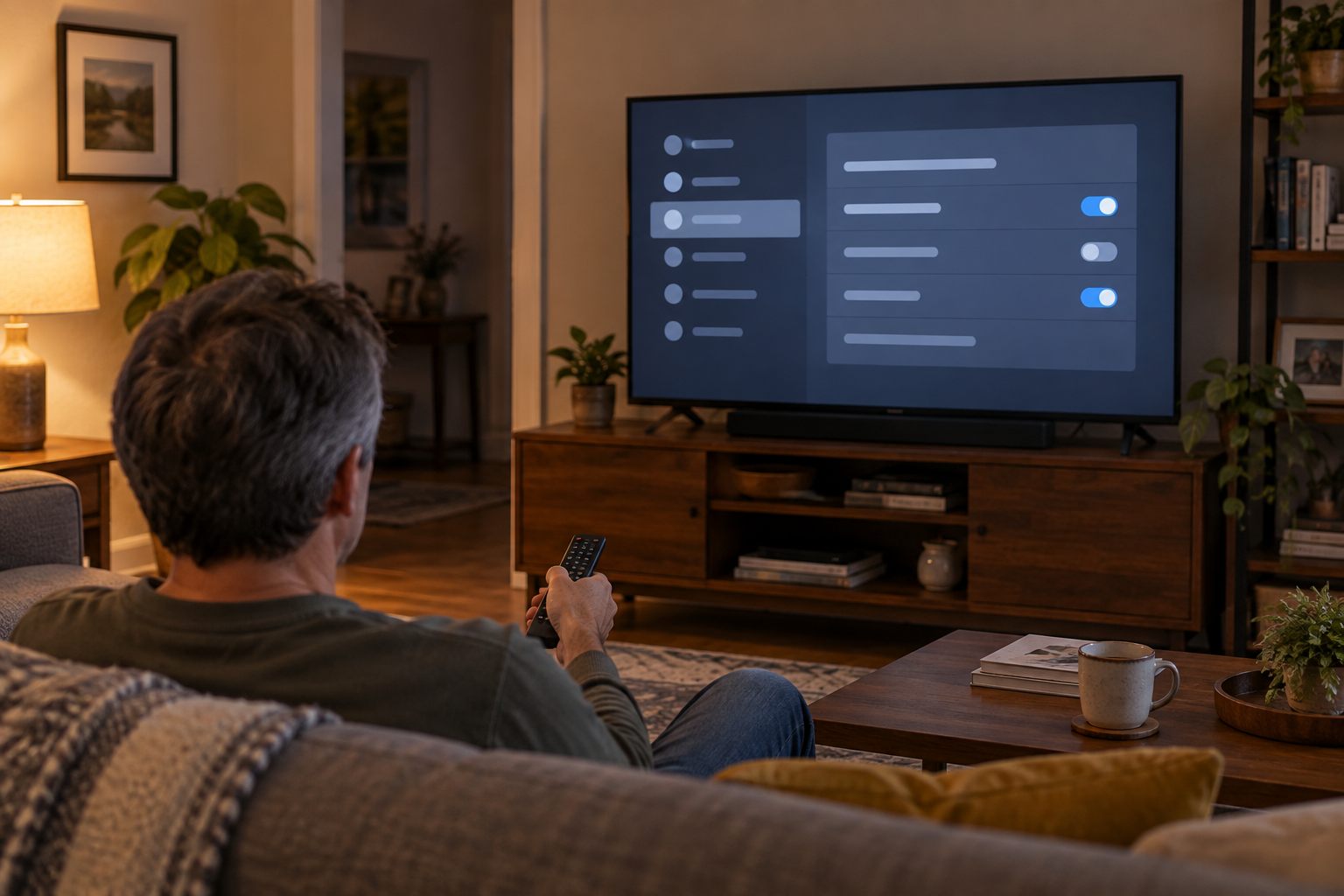
The unsettling part is not that a smart TV remembers which streaming app was opened. It is that a television can identify what appears on its screen—even when the picture comes through an HDMI cable—and connect that viewing information to advertising or audience measurement.
That does not mean every television records every conversation or that every brand handles data the same way. It does mean smart-TV privacy settings deserve the same attention as phone permissions.
Quick glossary
- Automatic Content Recognition (ACR)
- Technology that creates a digital fingerprint from audio or pixels so a TV service can identify the program, movie, game, or other content appearing on the screen.
- Viewing data
- A record or summary of what the TV identifies, when it was viewed, and sometimes information such as a TV identifier or IP address.
- Ad personalization
- Using activity or inferred interests to choose which advertisements a household or device sees. Turning it off does not necessarily remove ads.
What ACR actually does
A smart TV can track what appears on its screen when ACR is enabled. Samsung says its optional ACR feature generates unique signatures and may collect viewing history, viewing time, a TV identifier, and an IP address. Roku says its Smart TV Experience can recognize movies, shows, or games coming from streaming apps, an antenna, or connected devices.
From the screen to a viewing record
This simplified path explains ACR. It is not a claim that every brand stores or shares the same fields.
The Federal Trade Commission made this a consumer issue years ago. In 2017, Vizio agreed to pay $2.2 million to settle charges that it collected second-by-second viewing information from 11 million televisions without informed consent. The FTC said the data included content from cable, broadband, set-top boxes, DVDs, broadcasts, and streaming devices.
That case does not prove that every current television behaves improperly. It shows why the consent screen matters—and why a setting named “Viewing Information Services” deserves more than an automatic click on Agree.
Is my smart TV listening?
Possibly for a voice feature, but that is a different question from ACR.
Some televisions or remotes listen for a wake phrase or process audio after the voice button is pressed. ACR, voice recognition, diagnostic logs, and advertising profiles are separate data paths. They should not be collapsed into one dramatic claim that the TV is simply “listening to everything.”
That distinction became important during the recent controversy around LG televisions. A widely viewed investigation alleged extensive audio, viewing, and network data collection. LG disputed key claims. The company says speech-to-text processing begins only when a supported wake-word feature is activated or a user presses the voice button. LG also says ACR-related viewing information depends on the market, agreements, and user choices, and that optional agreements can be withdrawn.
The responsible conclusion is narrower than either “nothing is happening” or “every TV is wiretapping the room.” A television may have several collection features, each with its own control. Check the controls on the model in front of you.
What can I actually turn off?
Menu names vary by brand, model, region, and software version. Use these five areas as a quick check while standing in front of the television.
- Viewing information or ACR. Look under Privacy, Terms, User Agreements, Viewing Information, Viewing Data, Smart TV Experience, or Live Plus.
- LG currently directs U.S. users to Settings → Privacy & Terms → User Agreements.
- Samsung calls its ACR consent Viewing Information Services.
- Roku TV uses Settings → Privacy → Smart TV Experience, although labels can vary.
Turn off ACR if personalized recommendations and audience measurement are not worth sharing that history. Roku notes that disabling its setting does not erase data collected earlier. Stop collecting and delete what was already collected are different requests.
- Voice recognition and wake words. If nobody uses voice commands, disable hands-free wake words and review the voice-service agreement. A microphone in the remote may behave differently from microphones built into the television.
- Personalized and cross-device advertising. Turning personalization off usually changes how ads are selected; it does not make an ad-supported home screen ad-free.
- The TV account and connected apps. Review which email account is signed in, which apps remain installed, and whether purchases or viewing profiles are shared.
- Network access and software updates. Do not solve a privacy concern by blindly disabling security updates. If built-in apps are unnecessary, the television can be used as a display with an external streaming device—but that device then has its own privacy settings.
“I don’t want to turn it into a dumb TV”
That is a reasonable boundary. Privacy does not have to mean giving up every connected feature.
LG says users can continue using streaming apps, live television, HDMI-connected devices, software updates, and other essential features without accepting optional data-driven services, although availability varies by market. Samsung and Roku also describe ACR as optional. The practical middle ground is to keep the functions the household uses and decline the data-driven features it does not.
If the TV becomes noticeably less useful after one setting changes, turn the setting back on deliberately. That is still better than leaving every optional agreement enabled because the setup screen was long.
“I never connected it to the internet”
If a television has never had a working internet connection, data cannot normally reach a manufacturer’s server through that TV connection. But three cautions matter:
- The television may have been connected during its original setup or by a previous owner.
- A phone app, voice assistant, or external streaming box may create separate connections and separate data records.
- Disconnecting today does not automatically delete information already collected.
Avoid assuming either that an offline television is secretly transmitting through anything nearby or that every connected accessory becomes private just because the TV is offline. Those are separate devices with separate settings.
After reviewing the settings, note the model number and photograph the final choices. For a shared family television, that record may be especially useful: the person who set up the TV is often not the only person whose viewing activity is involved.
The setting matters more than the slogan
“Smart TV” sounds like one product category, but it can contain several systems: the manufacturer’s operating system, ACR, voice recognition, installed apps, an advertising service, and perhaps an external streaming device. No single switch explains all of them.
So the useful question is not only, “Does my smart TV track what I watch?” It is: Which service is identifying what I watch, what does it send, and what stops working if I turn it off?
That question leads to a settings screen instead of a panic purchase. It also puts the decision back where it belongs—with the people who bought the television.
Leave a Reply